
Set the store’s email preference#
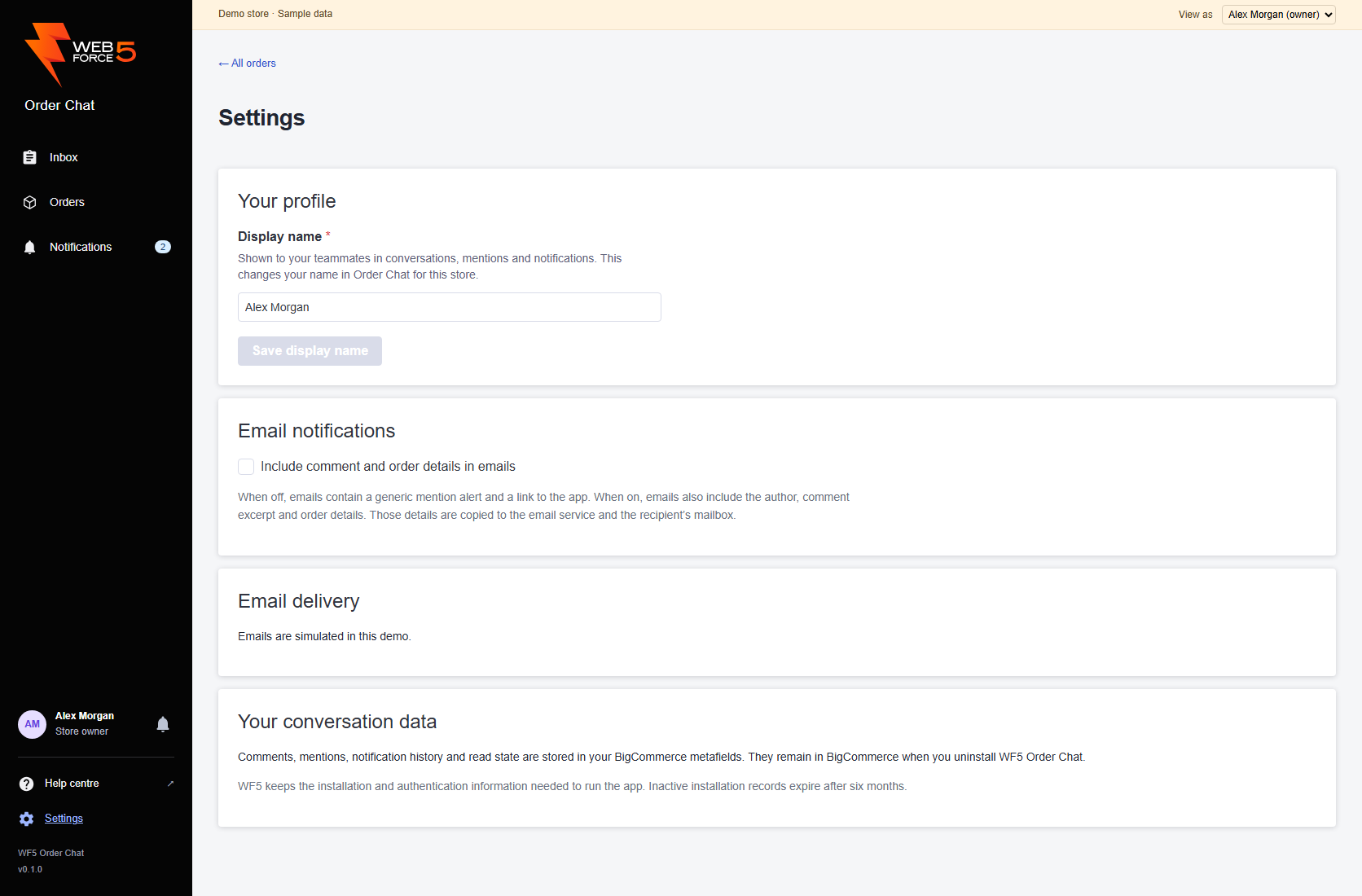
Everyone can open Settings below Help centre in the main app navigation. Settings is not available in the compact order panel. Team members can view settings; only the store owner can change the store preference. Under Email notifications, change Include comment and order details in emails. Wait for Email preference saved. The change saves immediately; there is no separate Save button.
The switch is off by default and applies to the store. It changes the content of mention emails; it is not an email on/off switch and does not turn off in-app notifications.
Compare the two email modes#
| Setting | Email contents | Where to read and reply |
|---|---|---|
| Off — generic alerts | A generic mention alert and link to the app. No comment excerpt, author name or order details. | Open Order Chat and use Notifications to find the mention. |
| On — detailed alerts | The author, comment excerpt, order context and comment link. | Follow the link to the comment and reply in Order Chat. |
Both modes send the recipient’s address to the email service. Detailed mode also copies the included conversation and order details to that service and the recipient’s mailbox. The current preference is used for emails that have not yet been sent. Changing it cannot recall an email already sent.
Understand delivery information#
The owner’s Email delivery panel says whether sending is configured. WF5 configures the Azure sender; staff do not enter mailbox passwords in this screen. If configuration is pending, continue using in-app mentions.
Queued alerts are processed in the background. Provider acceptance means the email service accepted the message; it does not confirm delivery to the inbox. Check the recipient’s spam folder and address if an expected email is missing, then contact WF5 with the order number and approximate sending time.
Retry only a confirmed failure#
After repeated confirmed sending failures, Settings offers Retry failed email for that alert. The owner can select it to queue another attempt. The existing comment and in-app mention do not need to be recreated.
If the provider has not confirmed an outcome, the panel asks you to contact WF5. There is no retry button for an uncertain outcome because sending again could create a duplicate. Share the order number and displayed delivery state with WF5.
If an email link opens an expired session, launch Order Chat through BigCommerce first. Then use Notifications or return to the link. See access troubleshooting.